Docker Deployment
The recommended way to run SWEN in production or on a homelab.
Prerequisites
- Docker Engine 24+ with Compose V2 (
docker compose version) - A reverse proxy in front of SWEN (nginx, Caddy, Traefik — or use SWEN's bundled proxy for quick tests)
1 · Clone the Repository
2 · Build the Images
3 · Create config/.env
Run the interactive setup wizard using a disposable backend container. It mounts the host config/ folder so the generated file lands directly on your machine:
The wizard will ask you to choose the environment (select Production), set the registration mode, optionally configure SMTP, then generate all secrets and write config/.env automatically.
No Docker Hub access yet?
If you built the images locally in the previous step, replace maltewin/swen-backend:latest with swen-backend (the local image name assigned by Compose).
4 · Deploy
Open http://localhost:3000 (or your reverse proxy URL).
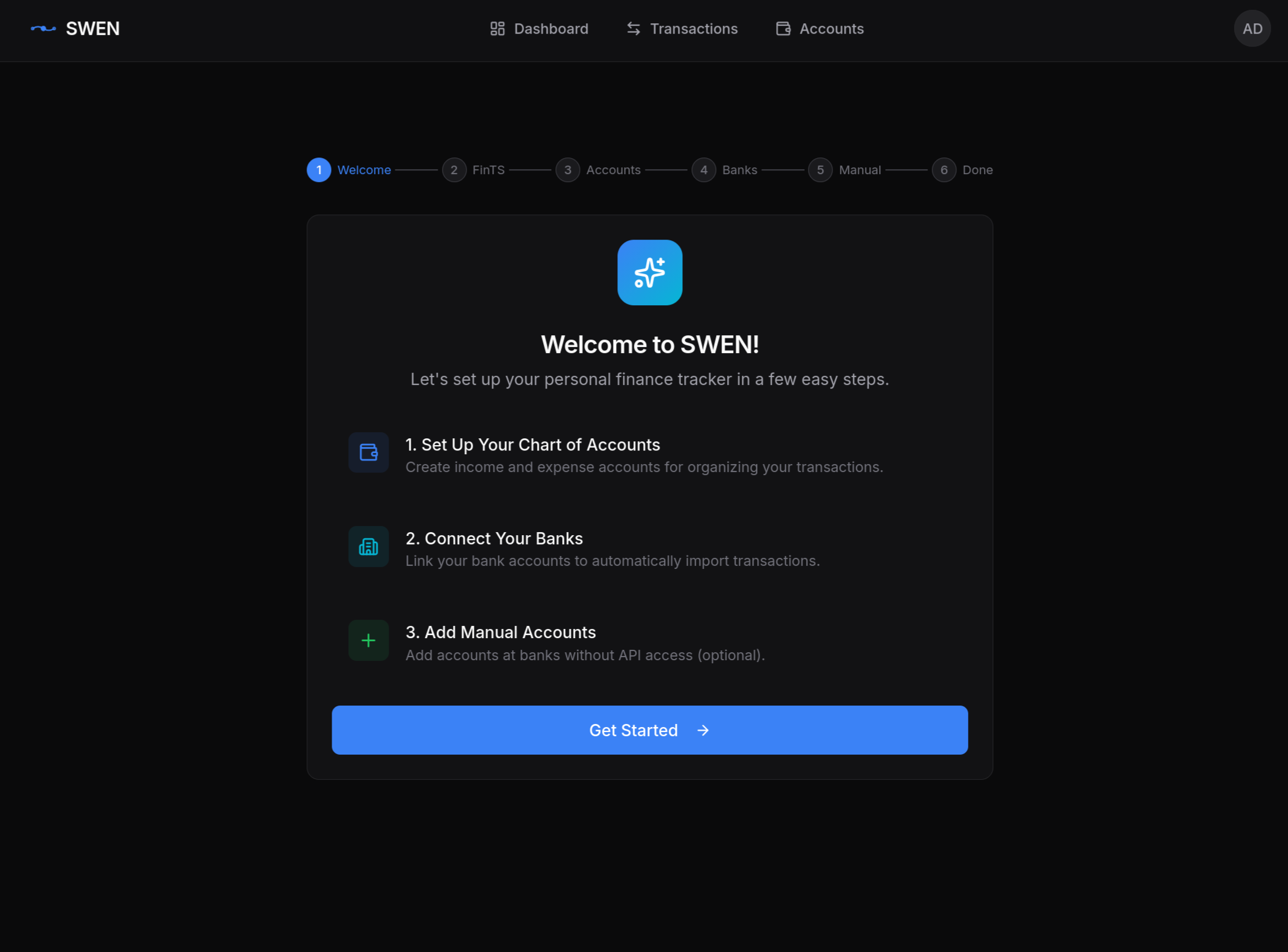
First user = admin
The first account registered automatically receives admin privileges. After signing up, go to Settings → Administration → FinTS Configuration to add your Product ID and institute CSV.
Service Topology
graph TD
    Host["Host port :3000"] --> frontend["frontend\nnginx :3000"]
    frontend -->|"/api/*\n/health"| backend["backend\nFastAPI :8000"]
    backend --> postgres[("postgres\n:5432")]
    backend --> ml["ml\nFastAPI :8100"]
    ml --> searxng["searxng\n:8080"]

    classDef internal fill:#f0f4ff,stroke:#6c8ebf
    class backend,postgres,ml,searxng internal
Only port 3000 is exposed to the host. All other services communicate over the internal swen_network Docker network.
Volume Overview
| Volume | Contents | Notes |
|---|---|---|
postgres-data |
All your financial data | Back this up! |
ml-model-cache |
Downloaded HuggingFace model (~1.5 GB) | Survives container updates |
./config |
config/.env and fints_institute.csv |
Read-only inside containers |
Reverse Proxy Setup
Route traffic to the frontend container (port 3000). The frontend's nginx proxy handles forwarding /api/* and /health to the backend internally — you only need to point your proxy at port 3000.
Host vs container networking
If your proxy runs inside Docker on the same host, use the container name frontend instead of localhost.
Importing Bank Transactions

Once FinTS is configured:
- Go to Bank Accounts → select an account → Sync
- SWEN fetches the last 90 days (configurable) from your bank
- New transactions appear as Draft — review and post them
First ML model download
On first startup the ML service downloads deutsche-telekom/gbert-large-paraphrase-cosine (~1.5 GB) from HuggingFace. Classification is unavailable until the download completes. Watch the ML container log: docker compose logs -f ml.
Updating SWEN
The postgres-data and ml-model-cache volumes are preserved across updates.
Troubleshooting
| Symptom | Likely cause | Fix |
|---|---|---|
| ML service never ready | Model still downloading | docker compose logs -f ml |
500 from /api/v1/... |
DB not initialised | docker compose run --rm backend db-init |
| CORS errors in browser | API_CORS_ORIGINS wrong |
Set to your exact frontend origin |
| Emails not sent | SMTP misconfigured | Check SMTP_* vars, SMTP_ENABLED=true |